What Information Is Visible on an Xbox Game Pass Profile?
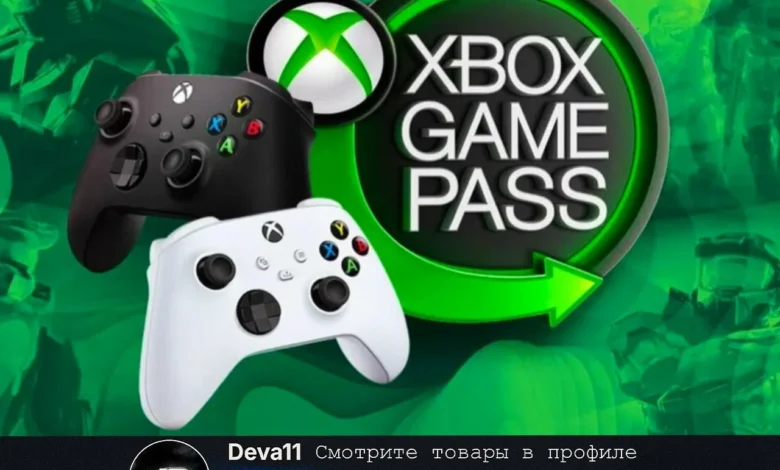
Can People Dox Yhou Through Xbox Gamepass Profile: An Xbox Game Pass profile—also known as an Xbox Live profile—displays limited and controlled public information. This typically includes your gamertag, profile picture, friends list (optional), achievements, and activity status. None of this includes your real name, email, IP address, or billing information unless you manually enable specific sharing options. Because the profile is designed for gaming visibility only, Microsoft restricts sensitive data to ensure users stay safe while interacting online.
Can Someone Dox You Through an Xbox Game Pass Profile?
Under normal circumstances, no—people cannot dox you through your Xbox Game Pass profile. Doxxing requires access to personal identifiable information (PII) such as your location, phone number, or email, none of which is publicly exposed on your Xbox account. However, doxxing risks can increase if you voluntarily share personal information in:
-
Xbox messages
-
Voice chats
-
Linked social media accounts
-
Public bio or custom status updates
So while the profile itself does not reveal private details, unsafe interactions can create opportunities for malicious users.
Common Myths About Xbox Profiles and Doxxing
There are several myths that circulate online regarding Xbox and doxxing:
-
Myth: People can get your IP through your profile.
Fact: They cannot. IP addresses are not publicly visible. -
Myth: Gamertags reveal your real identity.
Fact: Gamertags are usernames only. -
Myth: Xbox messages expose your email.
Fact: Messaging does not display emails or linked accounts.
These misconceptions often lead users to assume the platform is unsafe, but Xbox profiles are built with privacy-first architecture.
How People Actually Get Doxxed on Gaming Platforms
While the Xbox Game Pass profile itself is safe, doxxing can occur through indirect behaviors such as:
-
Sharing your real name or phone number in chat
-
Posting personal details in public LFG (Looking for Group) posts
-
Using the same gamertag as your social media username
-
Accepting suspicious links from strangers
-
Joining unsecured Discord servers where people collect info
In most cases, doxxing does not come from the platform—it comes from oversharing or unsafe interactions with other players.
How to Protect Your Privacy on Xbox Game Pass
To stay safe while gaming, Microsoft provides strong privacy tools. You can protect yourself by:
-
Setting your profile to “Friends Only” or “Private”
-
Disabling message requests from strangers
-
Turning off real-name sharing
-
Avoiding linking Facebook, Instagram, Twitter (X), or other social accounts publicly
-
Not sharing location or school details in chats
Using these settings ensures your Xbox profile remains secure and minimizes any risk of unwanted attention.
What to Do If You Suspect Someone Is Trying to Dox You
If a player attempts to gather your personal info or threatens you, take action immediately:
-
Block the user on Xbox.
-
Report them through the Xbox Safety system.
-
Avoid responding—engagement encourages further attempts.
-
Review your privacy and online safety settings.
-
If real-life data is involved, consider contacting local authorities.
Microsoft takes harassment and doxxing threats seriously and has automated tools to enforce community safety standards.